Required employee information
Check that payroll has the necessary personal, employment and salary data, such as current tax-card data, occupation class and a formally valid IBAN.
AI Payroller connects employee and employment data, pay-period input collection, calculation and post-payroll work in one process. It helps manage continuous changes and ensures that the right information is available for the right pay period.
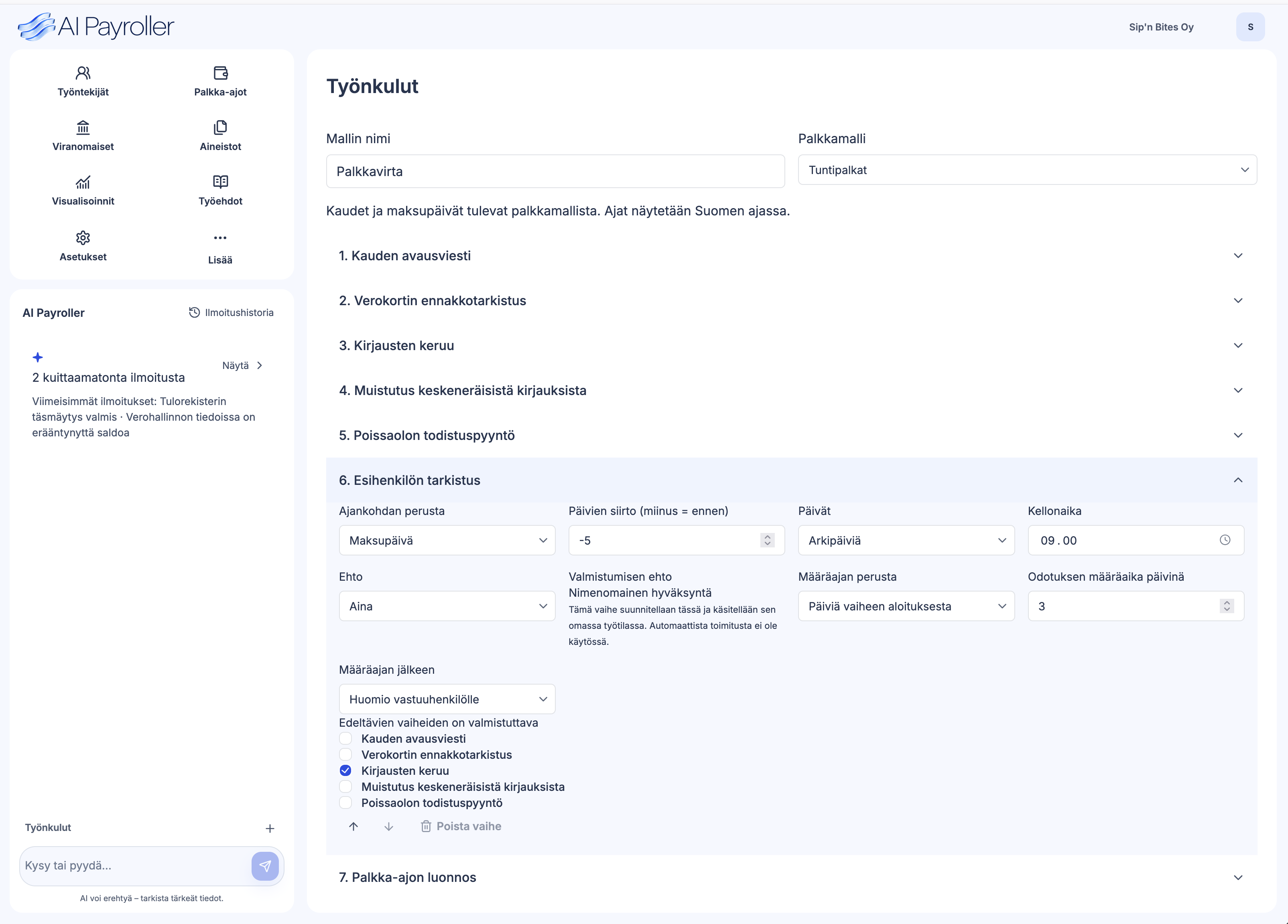
Employee and employment data stays up to date continuously. Pay-period inputs are collected from defined sources, reviewed and approved before calculation. Automation continues after each payroll run.
Continuously up to date
Before calculation
During calculation
After calculation
Company rules, checks and responsibilities become part of a repeatable process. Agree which steps are automated and where people review and approve. Payment approval is a separate decision.
Pay-period processing starts by ensuring that every employee is included and the required information is current. AI Payroller helps identify missing information and process employment and salary changes according to their effective dates.
Check that payroll has the necessary personal, employment and salary data, such as current tax-card data, occupation class and a formally valid IBAN.
Starting and ending employment is applied to the correct pay period. Fixed-term employment and other changes can be tracked at the same time.
A new salary or another change to employment terms is stored with its effective date, reviewed and approved before calculation.
A received garnishment order is assigned to the correct employee. Its validity and subsequent changes are taken into account in calculation.
Define what each company or payroll group needs for every pay period and where the information comes from. For some, working time and absences are sufficient. Others also need benefits, commissions or additional payroll events.
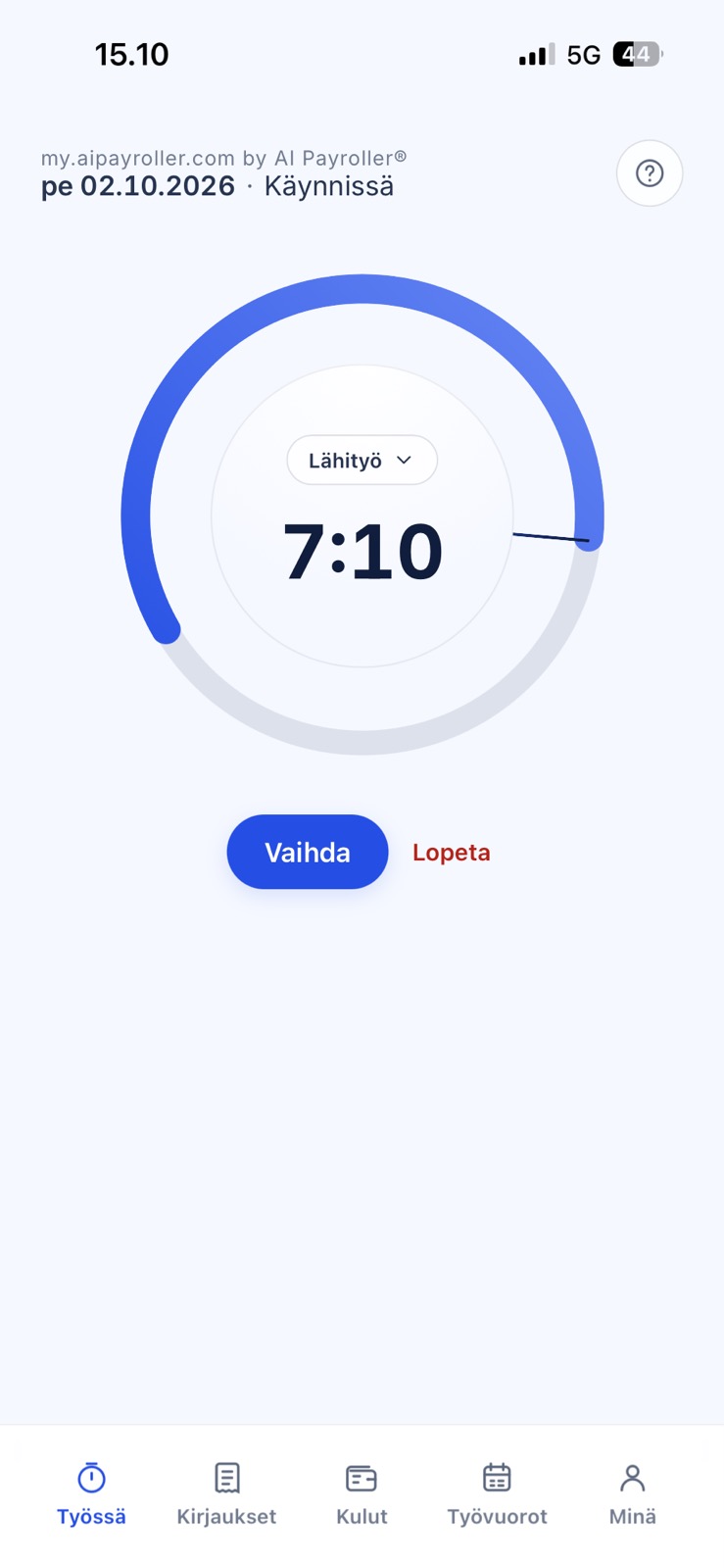
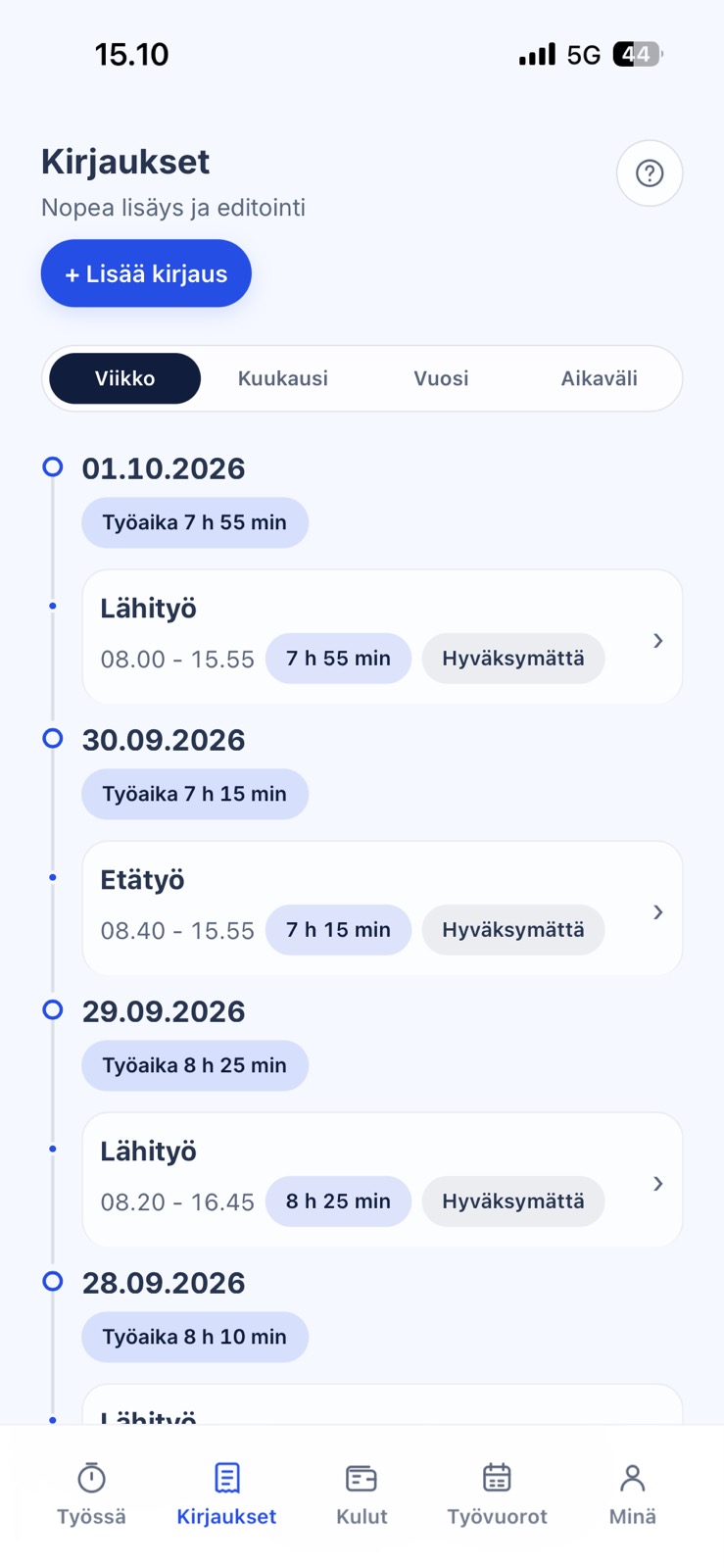
Employees can submit working time, shifts, travel expenses and other expenses in the mobile service.
Employees or company contacts can submit other payroll information through a form link sent by email.
HR, working-time and other payroll data can be imported through agreed integrations.
Reminders help get information in on time. Payroll sees what is missing or waiting for approval, while pre-checks flag inconsistencies.
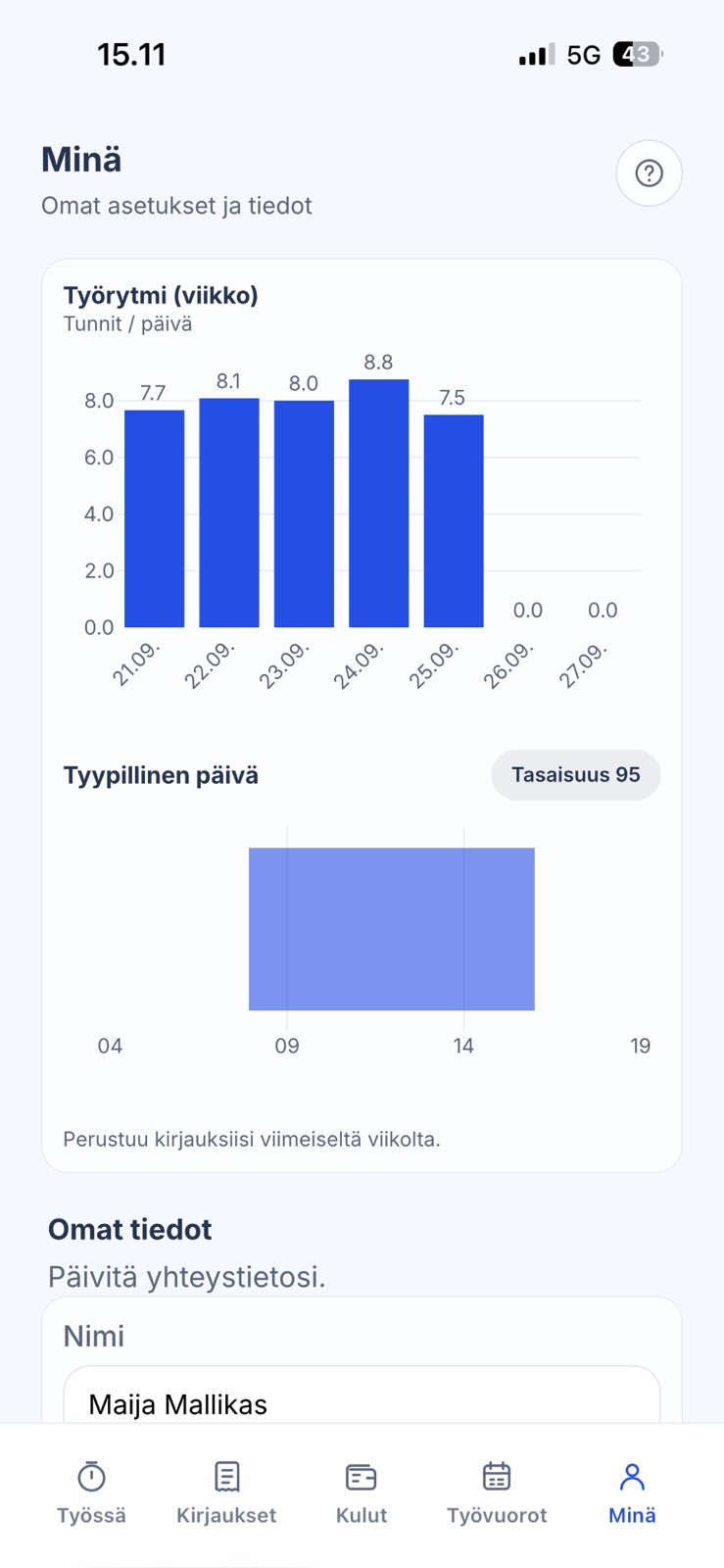
Employees record working time, shifts and absences and submit travel and other expenses in the My AI Payroller mobile service. Time entries can also be imported from your existing time tracking system through an integration. Use by employees of accounting firm clients is also included, with no fee per employee. Approved inputs are ready for payroll.
Collective agreements, company agreements and individual terms all affect pay. Turn them into calculation rules that your payroll team can check and approve.
AI helps interpret agreement terms. A payroll specialist reviews the interpretation and approves the rule before it is used in calculation.
Identify the applicable collective agreement and its effective version before calculation.
The people checking hours, approving payroll inputs and authorising payment may be different. AI Payroller sends each request through the approval steps you define.
Approving hours and authorising payment are separate decisions.
AI Payroller applies your compensation model to sales data. Each commission can be traced back to the sale and the rule behind it.
We configure tiers, sales credits and other exceptions to match your compensation model.
We support company-specific commission models. Here is one example.
AI Payroller’s calculation engine uses approved data and programmed rules. When the inputs and rule version stay the same, so does the calculated amount.
Reliable calculation depends on checked inputs and correctly configured rules. Review and approval remain part of every payroll run.
Each pay item retains its source data and calculation rule for review.
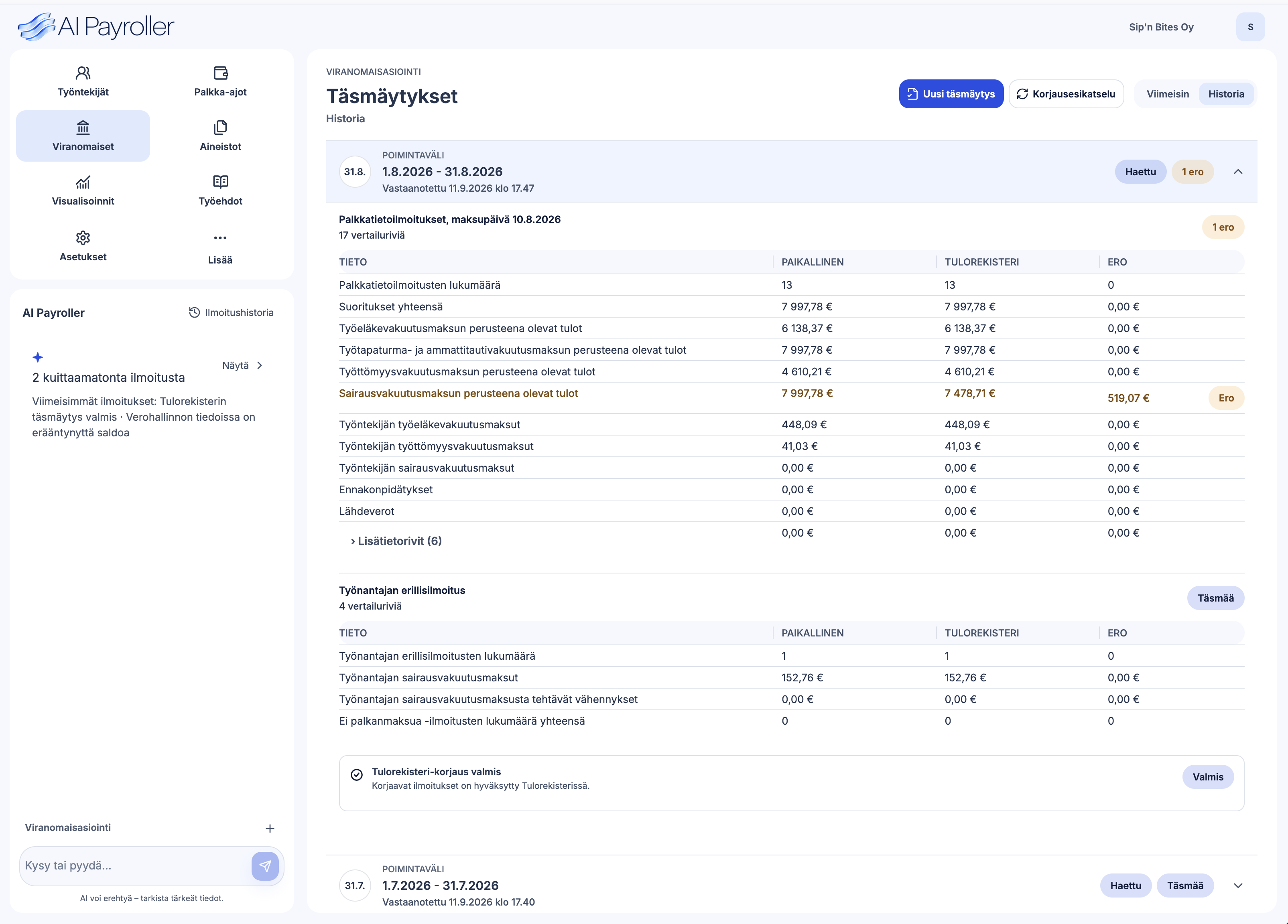
Payment files, payslip delivery, accounting entries and statutory reports follow the setup in use. AI Payroller retrieves Incomes Register summaries through an API and automatically compares them with payroll data.
Incomes Register reconciliation is included. There is no separate reconciliation service fee.
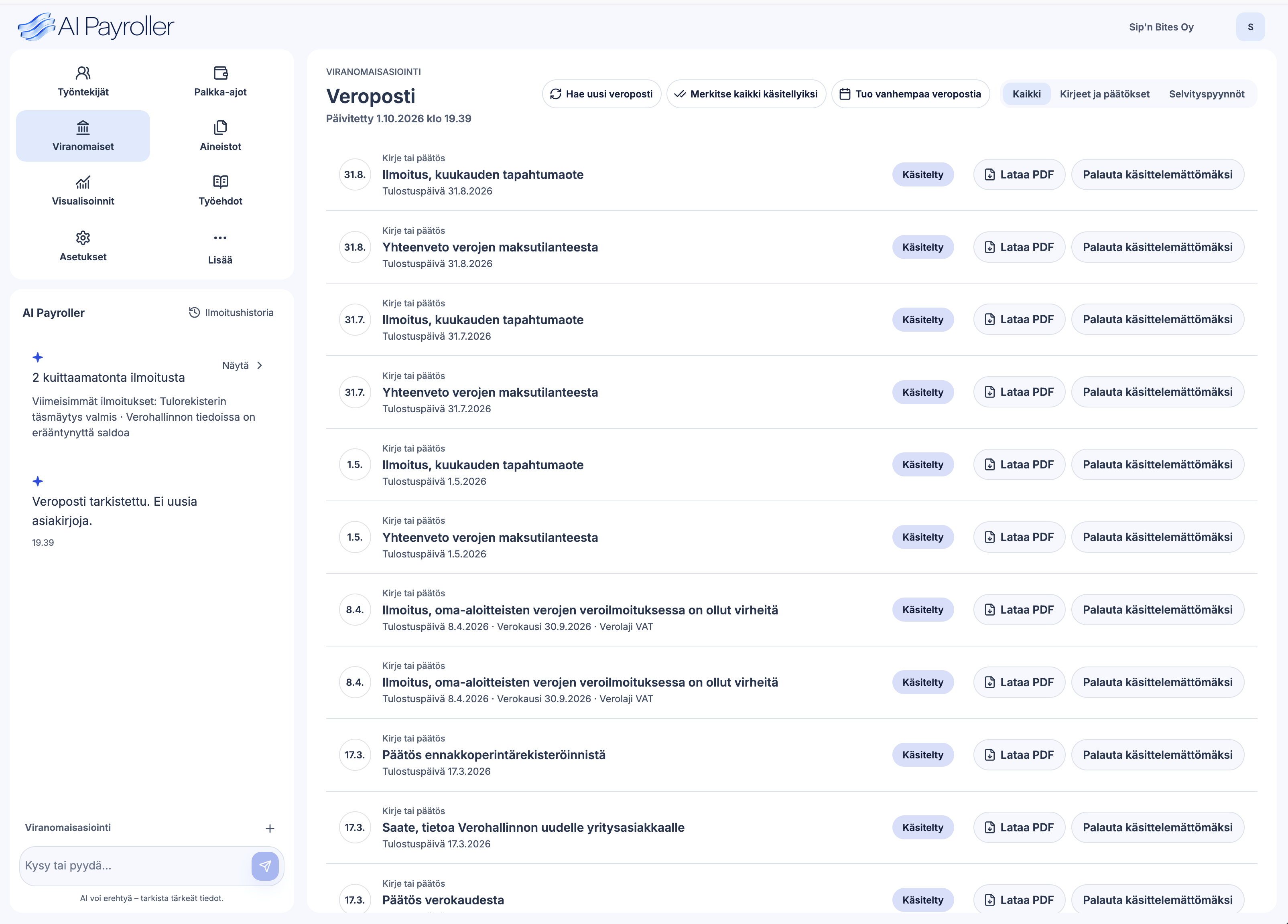
Tax correspondence brings together Finnish Tax Administration decisions and requests for clarification. Tax account transactions and notices about overdue taxes or employer contributions keep follow-up work in the same process.
Incomes Register dataset 312 contains summary information. Reconciliation covers those totals; individual reporting fields and agreement interpretations need separate checks.
This compares summary data. Reporting fields and agreement interpretations need separate checks.
The person responsible handles requests, differences and notices. Less manual work is needed to retrieve information and check its status.
Keep Finnish Tax Administration decisions and requests for clarification alongside payroll. The person responsible handles matters that need attention.
Track tax account transactions and notices about overdue taxes and employer contributions. Required authorisations and settings are defined during setup.
AI Payroller automatically prepares documents required under the EU Pay Transparency Directive using payroll data and confirmed employee categories. Payroll and HR spend less time compiling the same figures into separate reports.
Pay data and gender pay gaps for reporting, according to the obligations that apply to your business.
Written information on individual pay and average pay levels by sex for employees doing the same work or work of equal value.
A summary of pay levels and pay gaps to support a joint pay assessment when one is required.
The employer confirms employee categories and pay criteria, then reviews and approves documents before sharing them. Document contents and reporting schedules follow the obligations that apply to the business and national legislation. Directive (EU) 2023/970, Articles 7, 9 and 10.
Collect and review inputs, calculate pay and track the results in AI Payroller. Connect your accounting software and the other systems payroll depends on.
See payroll featuresYour current system continues to calculate pay. AI Payroller can collect and pre-check inputs or reconcile Incomes Register totals around it. Scope and pricing are agreed separately.
See integrationsReview employee and employment data, pay-period input requirements, approvals, calculation and follow-up work with us. We show what is already included and how the workflow can fit your team.
Email us to arrange a demo.
Book a demoOpens your email app. You can also write to:
hello@aipayroller.comA brief description of your payroll needs is enough to get started.